iPhone
Get Shadowrocket on iPhone and open it for the first time
Check compatibility on the App Store product page before you buy. The current listing shows iOS 13.0 or later, but the App Store page is the source for system requirements. If the App Store on your device says it’s incompatible, follow that message rather than relying on the reference here. After payment, wait for the App Store to finish installing the app, then open Shadowrocket from your Home Screen.
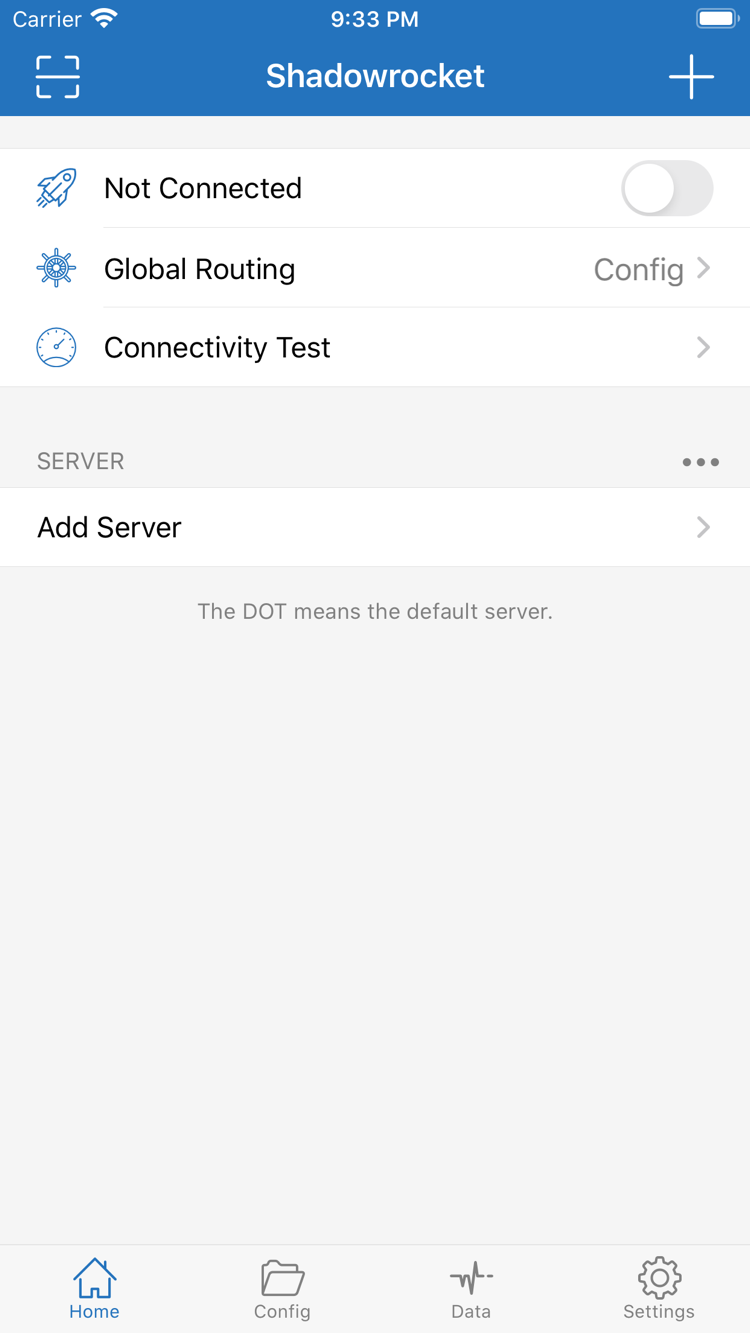
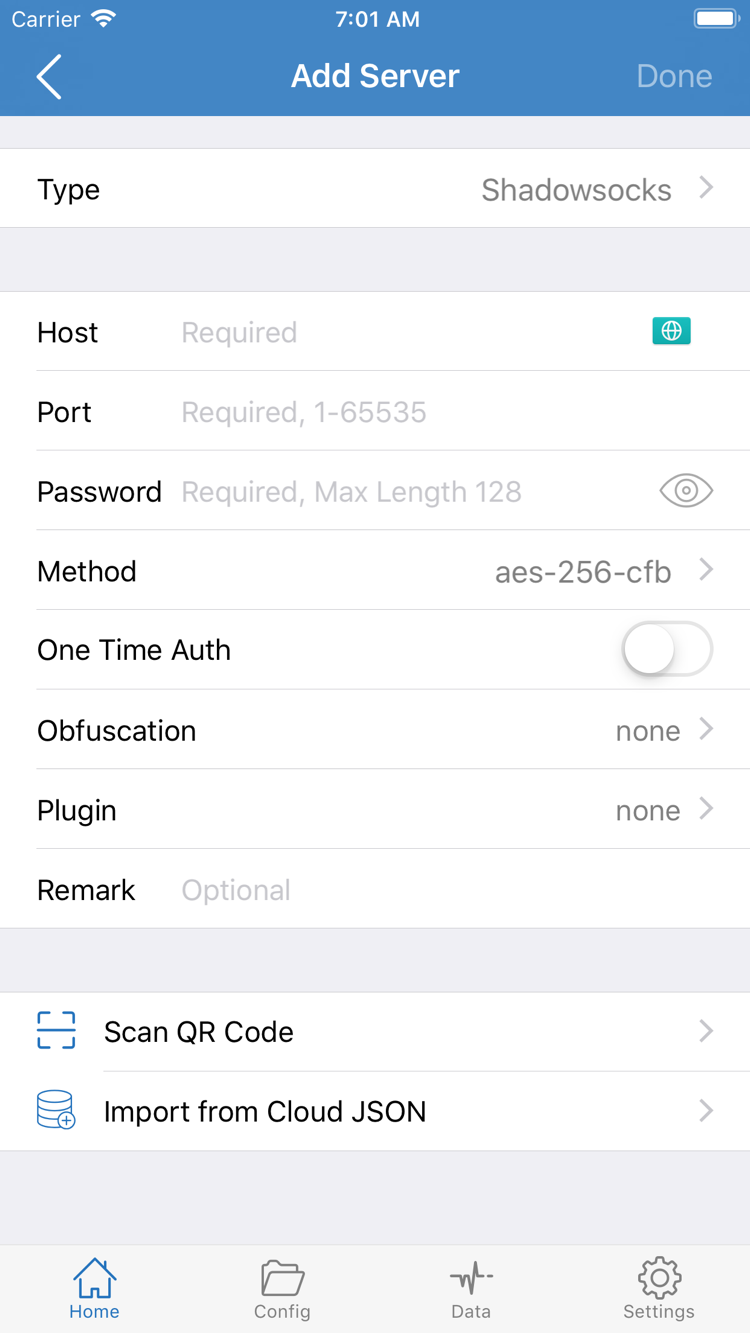
When you first open the app, find the server list in Home and locate Add Server. A new installation may not include server details. This means no configuration has been added yet, not that your purchase failed. Once you have your own subscription or server details, enter them using the appropriate option. Server addresses, ports, and authentication details come from your own configuration; they can’t be inferred from field labels in a screenshot.
Authorize the VPN configuration on first connection
When you’re ready to connect, the system may ask for permission to add a VPN configuration. This system prompt allows the client to create the corresponding network configuration on your device; it’s separate from App Store payment confirmation. Verify that Shadowrocket initiated the request, then follow the device prompts to authenticate. If you cancel for now, return to the app and try again later. You don’t need to buy the app again.
Granting permission doesn’t mean the server details are correct or that all traffic is using the selected server. Check the selected item in Home and the Global Routing setting. Config applies configuration rules, Proxy uses a proxy route, and Direct connects directly. When setting up for the first time, check the current routing mode and then test the connection. This helps distinguish routing differences from installation problems.
Handle installation and connection troubleshooting separately: the App Store handles purchases and installation, while Home and Config are used with your existing configuration. If the app opens normally but something won’t load, check your server details, network, and rules instead of buying it again. See the user guide for the full walkthrough, and the glossary for interface terms.